Configure WhatsApp Journey Milestones
An WhatsApp Journey milestone allows you to track the progress of your engaging campaigns from the start node to the end node. So, any node that’s being tracked in the journey can be marked as a Milestone.
To add a milestone,
- Navigate to Journeys.
- Select the Journey for which you want to add a milestone.
- Select the Milestone tab and click Add a Milestone.
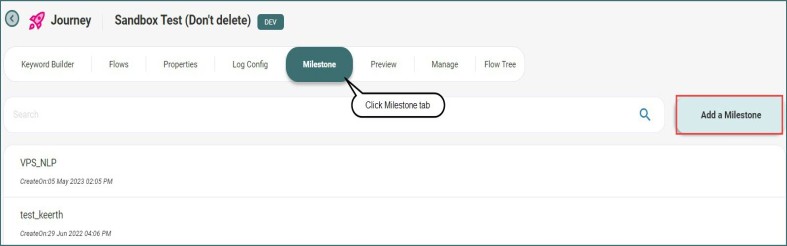
- Give a name for the milestone in Milestone Name.

- Select the flow which you want to add a milestone.
- Select a unique identifier of the node to which you want to add a milestone from the Identifier dropdown list and map the variable.
- Click Save to add the milestone. You can view the number of users visited these milestones in Milestone Reports.